

Add Additional Information To Hire Contract
How to add additional Information to Hire Contract
The Additional Information field allows you to add custom contract-level notes to a Hire Contract, such as site restrictions, access requirements, or other important information the customer should be aware of.
Prerequisites:
Go to Sales Manager
Select a Customer
Select a Contract
Create new or select an existing Hire Contract
Add Additional Information
Click the Additional Information input field
Add your custom message
Click the Submit button
The Additional Information will show on the Preview and Final PDF
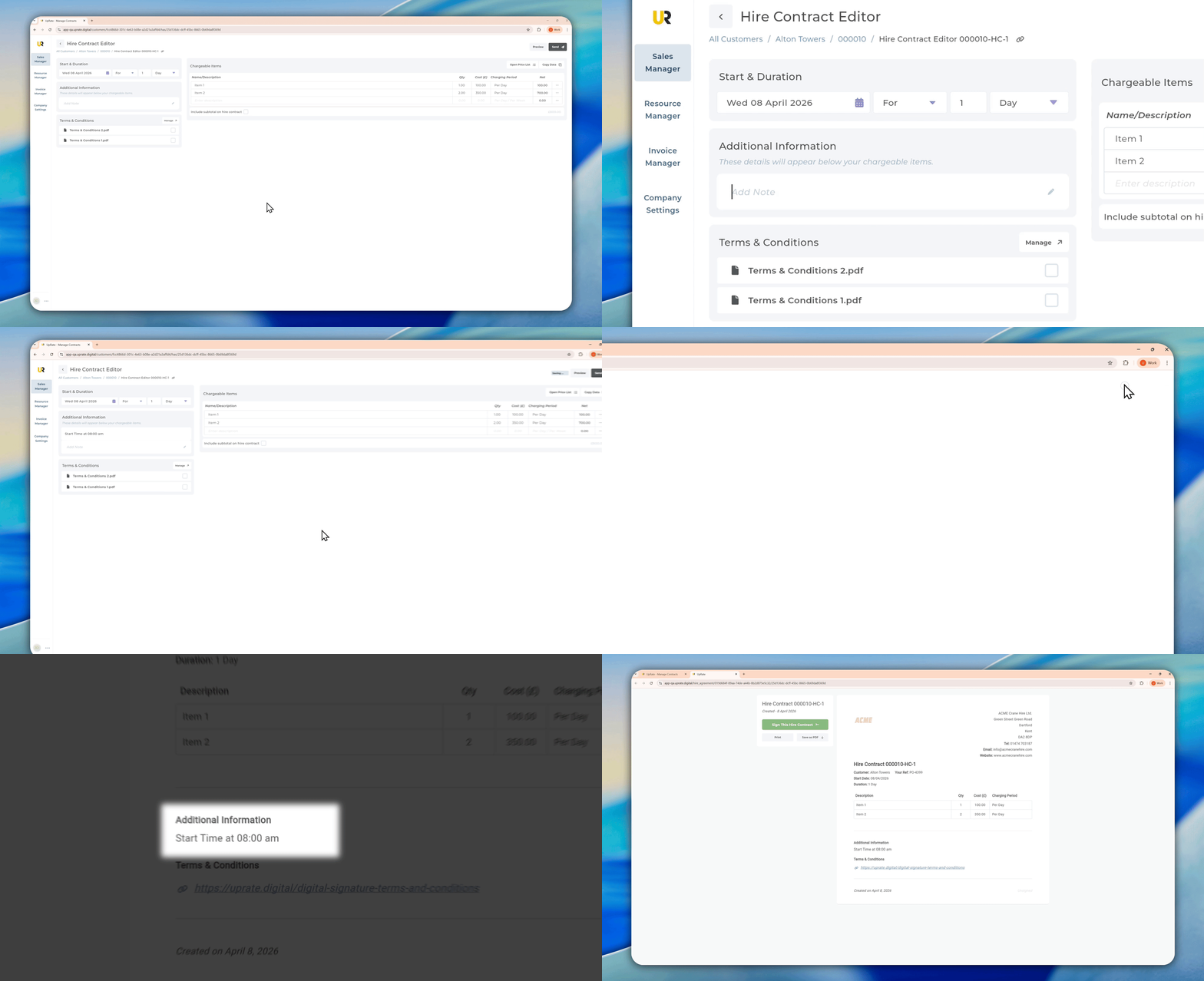
The Additional Information field is intended for contract-level notes the customer should see, such as site restrictions, access requirements, or other important instructions. It is not intended for booking-specific scheduling details.
Powered by AutoFlow
On this page
- Prerequisites:
- Add Additional Information