
February 2026 Release
We've released some big new features alongside several smaller improvements!
We've released a set of features, improvements and bug fixes, please see the main items below!
Bigger Changes
This release includes several big new features:
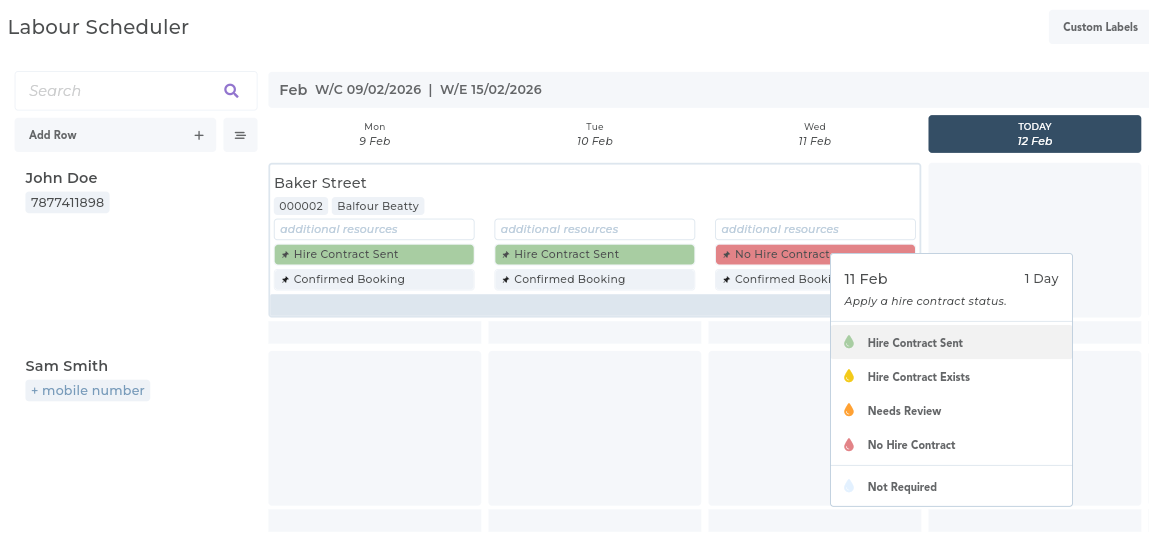
Track Hire Contract Status
You can now track the 'hire contract status' on individual dates that are booked onto the scheduler. This means that for any days you book in you can mark whether a contract has been created and/or sent.
Custom Labels on Individual Dates
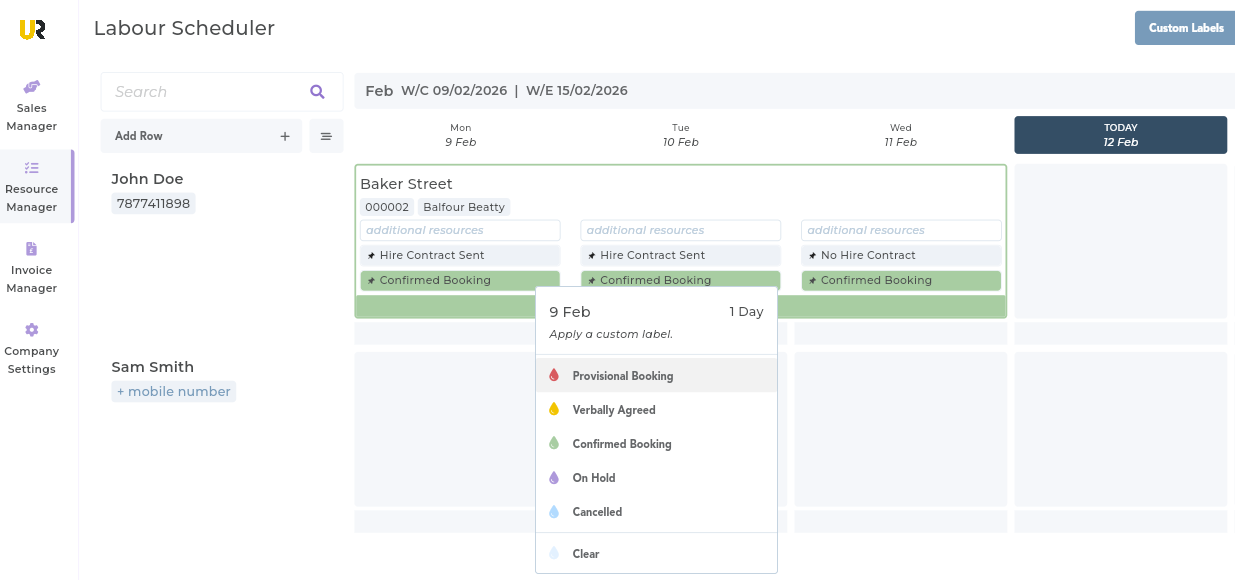
Similar to the new hire contract status feature, you can now set a custom labels onto each date that is booked onto the scheduler. This replaces the previous 'contract categories' feature.
Create Multiple Hire Contracts
You can now create more than one hire contract on an individual job. For example, if you have a job running for 3x weeks you can now create an individual hire contract for each week. This is in response to feedback that some of our user's customers expect a weekly contract.

Smaller Changes
We've also made several smaller changes:
Confirm Cancellation Pop-Up
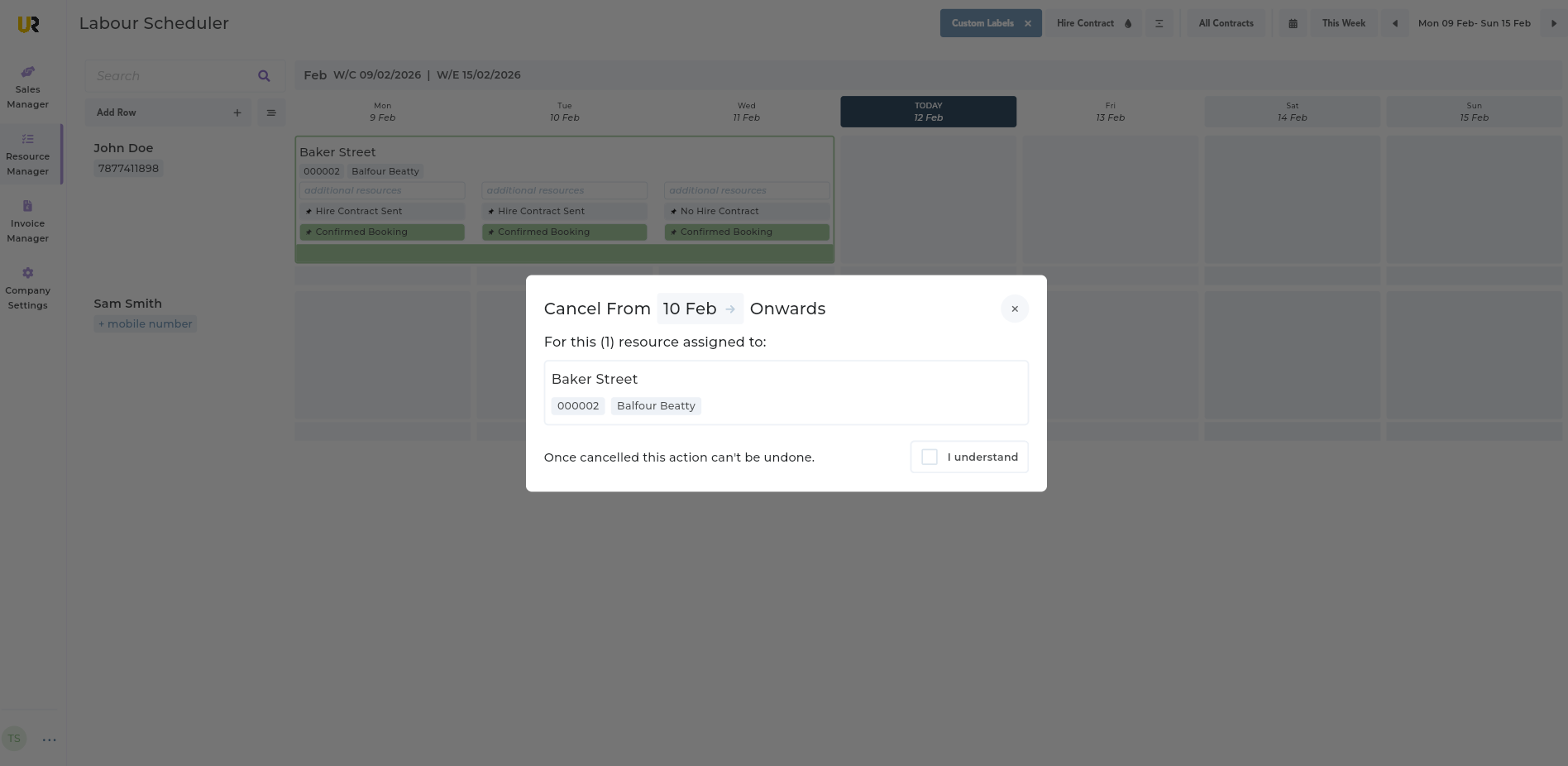
If you right-click on an assignment on the scheduler and choose the "Cancel" option we will now show a pop-up before the cancellation takes place. This is in response to feedback that cancelling jobs was too easy.
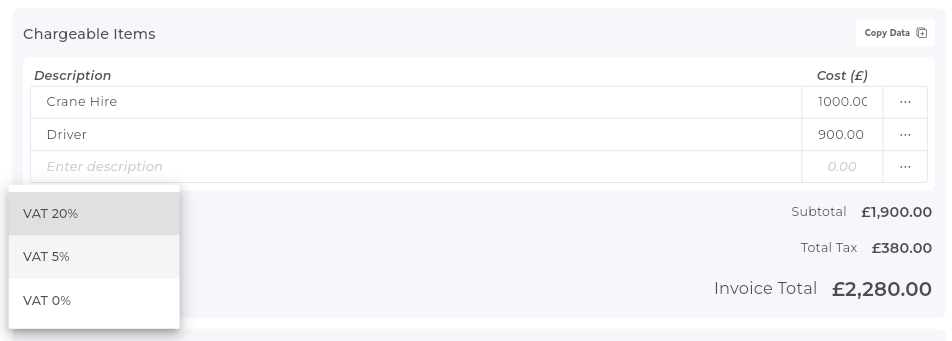
Invoice Subtotal, VAT & Total
We have updated the Invoice Page to now allow you to choose a VAT amount and automatically calculate the subtotal. This now matches the functionality available to you when creating hire contracts.
Add What3Words to Contracts
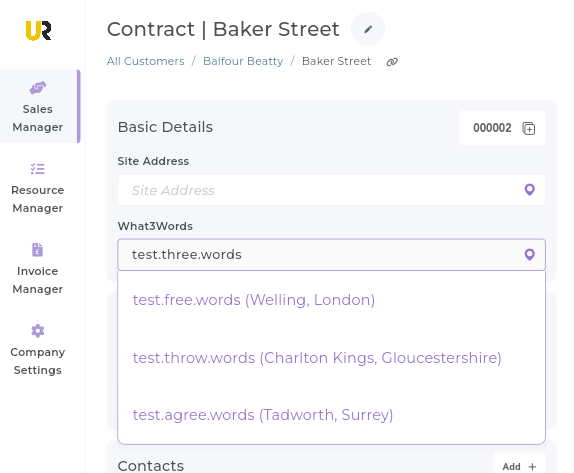
You can now add a What3Words address to your contracts. You'll see a new input for this on the Contract Page. Once added, this address will show on any assignment messages that you send to your labour resources.
Site Address Auto-Complete
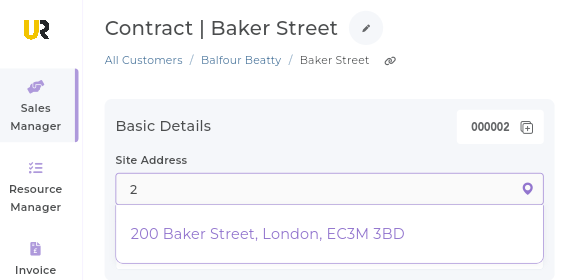
When you are typing a site address in we will automatically show a list of previous address that have been used, to help you in finding commonly-used addresses and save you time on manual input.