

Manage Invoices
Add/Edit PO Number
Add or edit PO number or document from the invoice
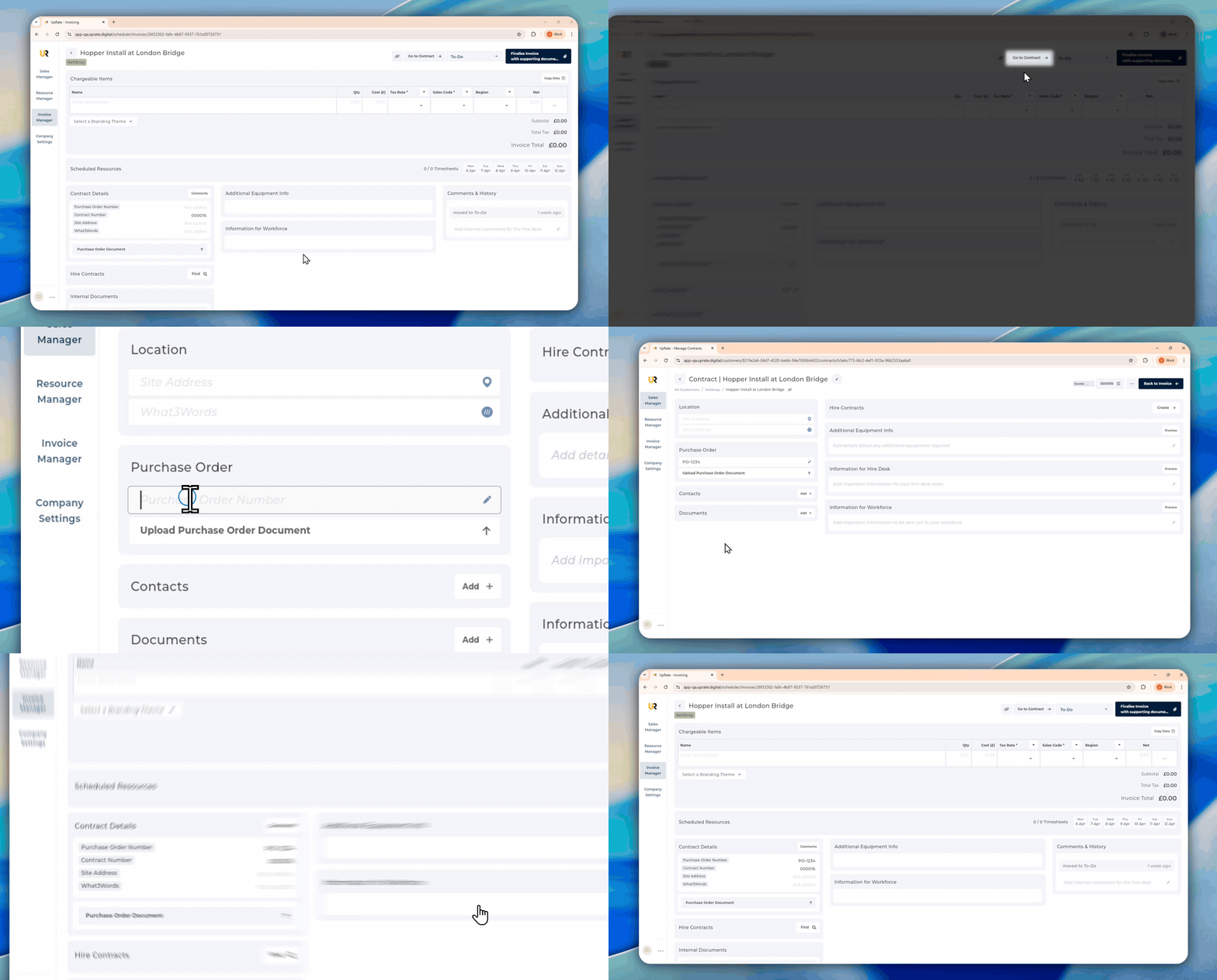
On the invoice page you have the ability to add or edit the PO number before you finalise an Invoice.
Add/Edit Missing PO Number From Invoice
Open the Invoice Manager.
Find the invoice you want to edit
Click Go to Contract
Add/edit
Powered by AutoFlow
On this page
- Add/Edit Missing PO Number From Invoice