

Resource Manager Navigation
Guide to navigate across weeks in the multi week and single week scheduler views.
You can quickly move between weeks in the Scheduler using the navigation options in the top right corner.
Navigate Through the Scheduler by Week
You can navigate through the scheduler in three ways:
Click the left or right arrows in the top right corner to move backwards or forwards through the weeks
Click the calendar icon to choose a specific date to view
Click the This Week button to return to the current week
Switch Between Single and Multi Week View
You can switch between single or multi week view by doing the following:
Click the any part of the week's header
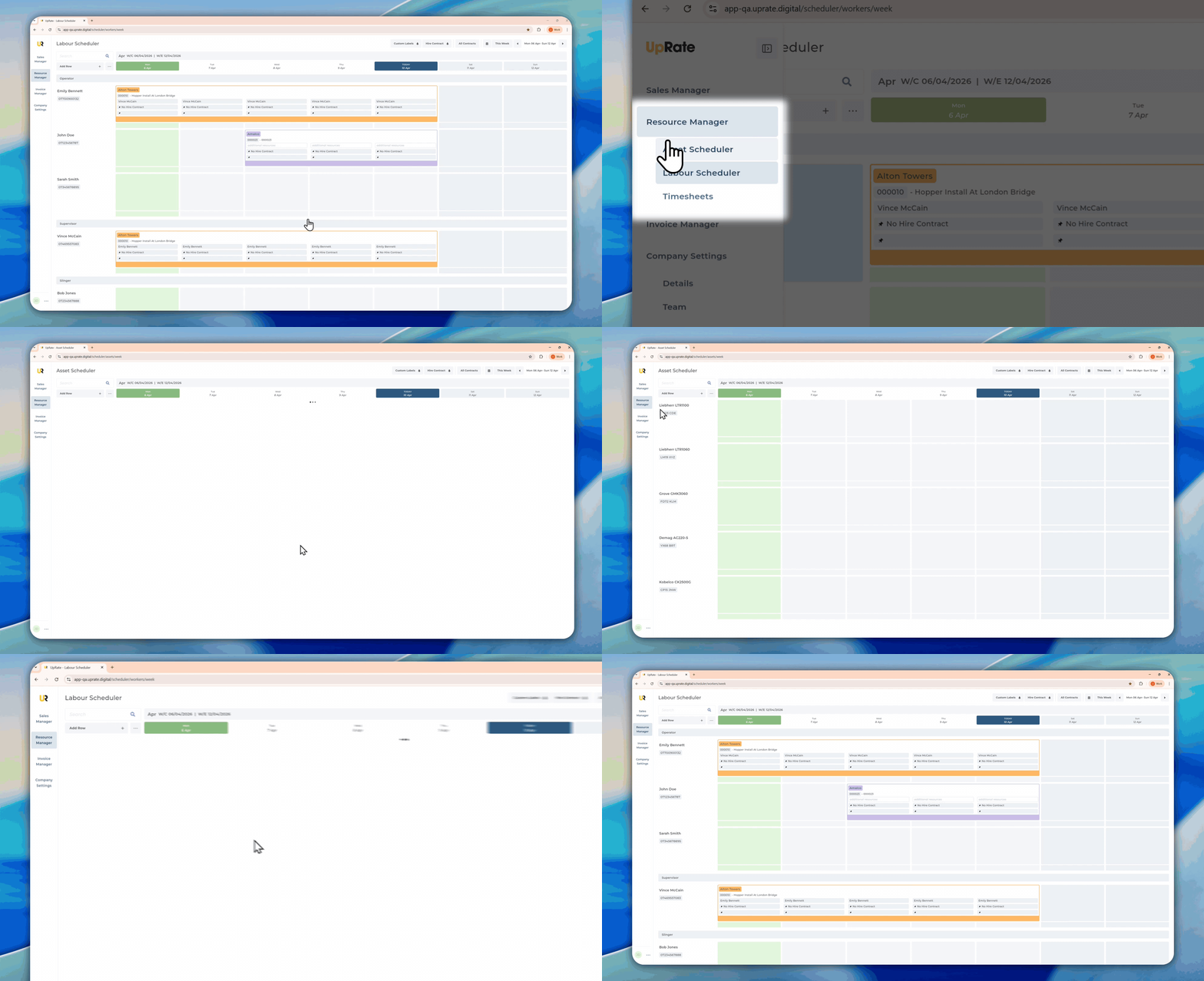
Navigate between Labour or Asset Scheduler
Go to the Sidebar Navigation to switch between Labour or Asset Scheduler view
Powered by AutoFlow
On this page
- Navigate Through the Scheduler by Week
- Switch Between Single and Multi Week View
- Navigate between Labour or Asset Scheduler